Author
Admin
-
Accessibility Blog
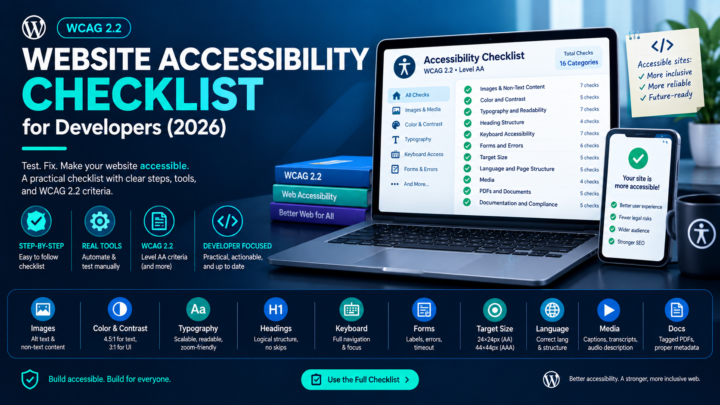
Website Accessibility Checklist for Developers (2026)
You’ve read the WCAG specification. You know accessibility matters. But when you sit down to actually audit a page, the 86 success…
-
Accessibility Blog
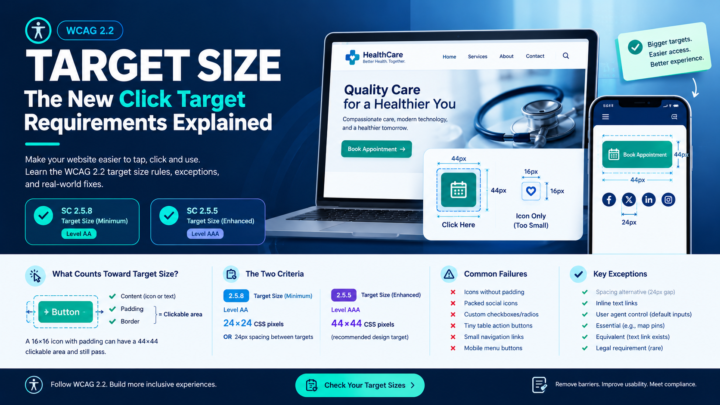
WCAG 2.2 Target Size: The New Click Target Requirements Explained
A 16×16 pixel icon button on a dense toolbar. A tiny checkbox crammed next to a wall of text. A row of…
-
Accessibility Blog
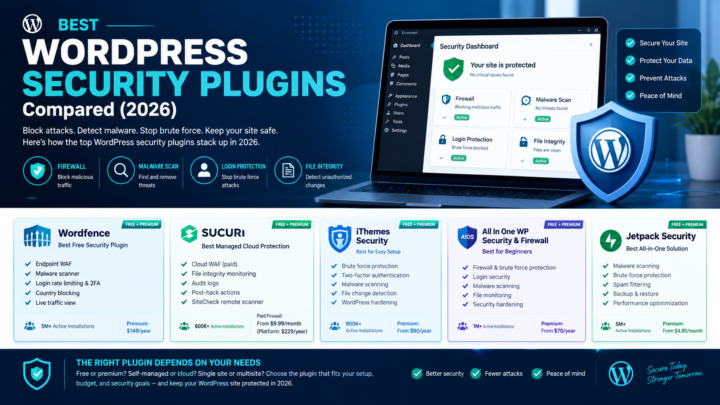
Best WordPress Security Plugins Compared (2026)
Over 11,000 new WordPress vulnerabilities were recorded in 2025, a 42% increase year over year. The median time from vulnerability disclosure to…
-
Accessibility Blog
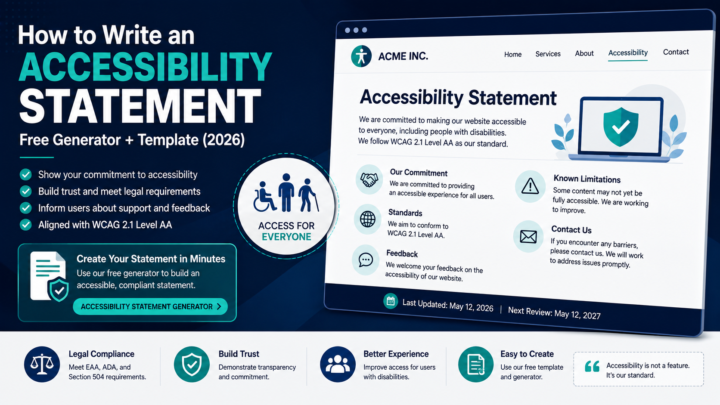
How to Write an Accessibility Statement: Free Generator + Template (2026)
An accessibility statement is one of the simplest, most useful pages on a website and one of the most commonly missing. It…
-
Website Security
How to Clean a Hacked WordPress Site: Step-by-Step Removal (2026)
Your hosting provider sends a suspension notice. Google slaps a “Deceptive site ahead” warning on your pages. Visitors are getting redirected to…
-
Accessibility Blog
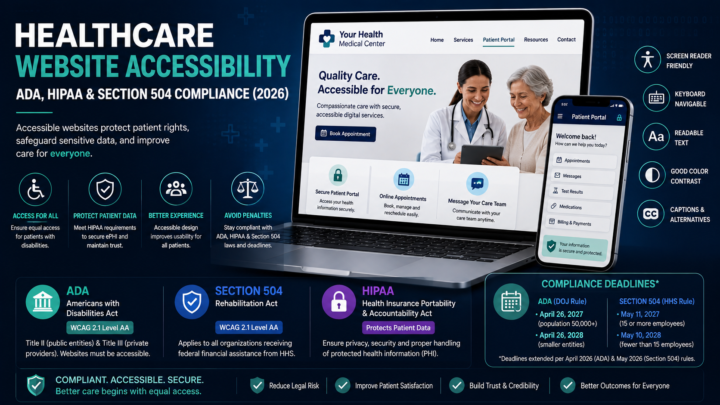
Healthcare Website Accessibility: ADA, HIPAA & Section 504 Compliance (2026)
Healthcare website accessibility is where two completely different compliance regimes collide — and most organizations are only watching one of them. HIPAA…
-
Website Security
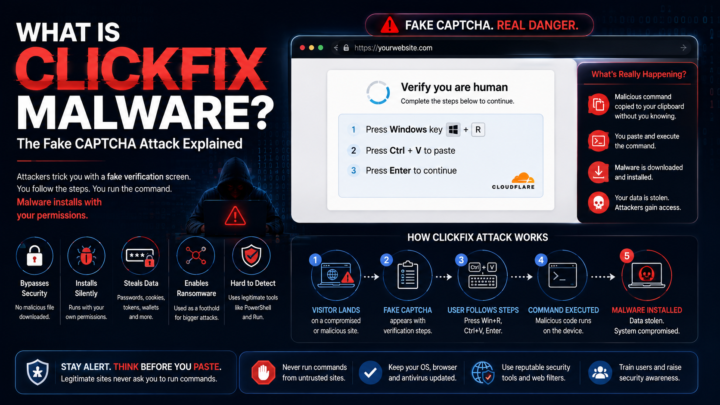
What Is ClickFix Malware? The Fake CAPTCHA Attack Explained
You land on a page and a familiar Cloudflare-style verification prompt appears: “Verify you are human.” You’ve done this a hundred times.…
-
Accessibility Blog
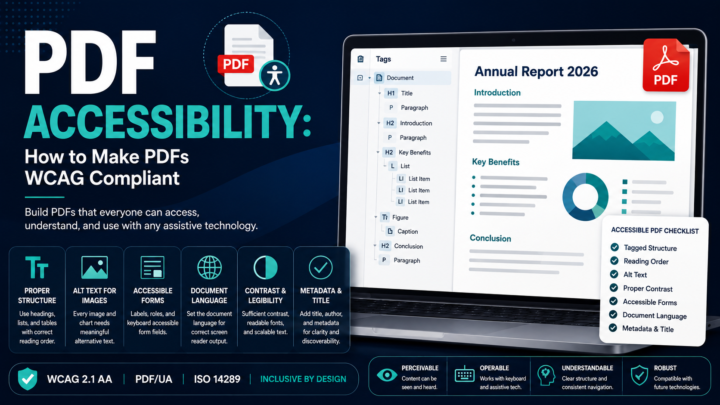
PDF Accessibility: How to Make PDFs WCAG Compliant
A PDF can look perfect on screen clean layout, brand fonts, proper columns and be completely invisible to a screen reader. That’s…
-
Accessibility Blog
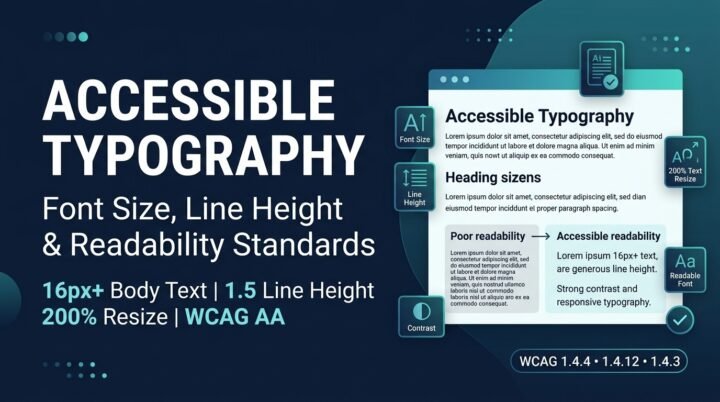
Accessible Typography: Font Size, Line Height & Readability Standards
Your designer picks a 13px light-gray font because it looks clean. Your developer ships it. Your users with low vision, dyslexia, or…
-
Accessibility Blog
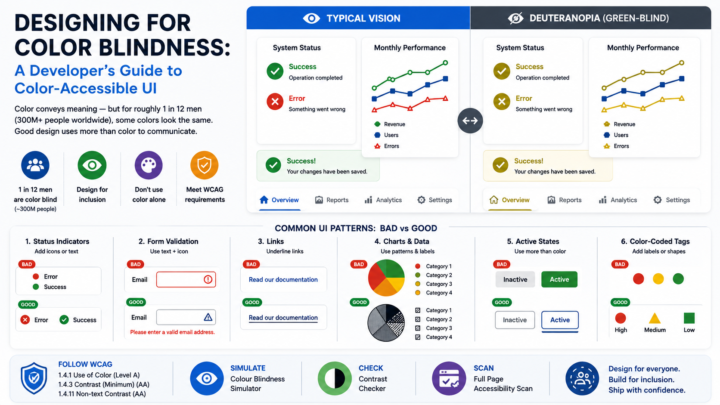
Designing for Color Blindness: A Developer’s Guide to Color-Accessible UI
You pick a clean red-and-green status system — red for errors, green for success — ship it, and assume the job is…

Find out what's broken.
Then actually fix it.
One URL. Nine seconds. No account, no card, no call.